Prepare, respond and recover
ConnectWise suspends its backup service, leaving restores unavailable
Can I restore Microsoft 365 data through ConnectWise Cloud Backup right now?
No, restores through ConnectWise Cloud Backup are unavailable while the service is suspended.
ConnectWise says the stored archives remain encrypted and isolated, but that does not establish whether a live customer tenant was accessed. Ask your IT provider for the latest verified restore point and an independent recovery route while Cloud Backup is offline.
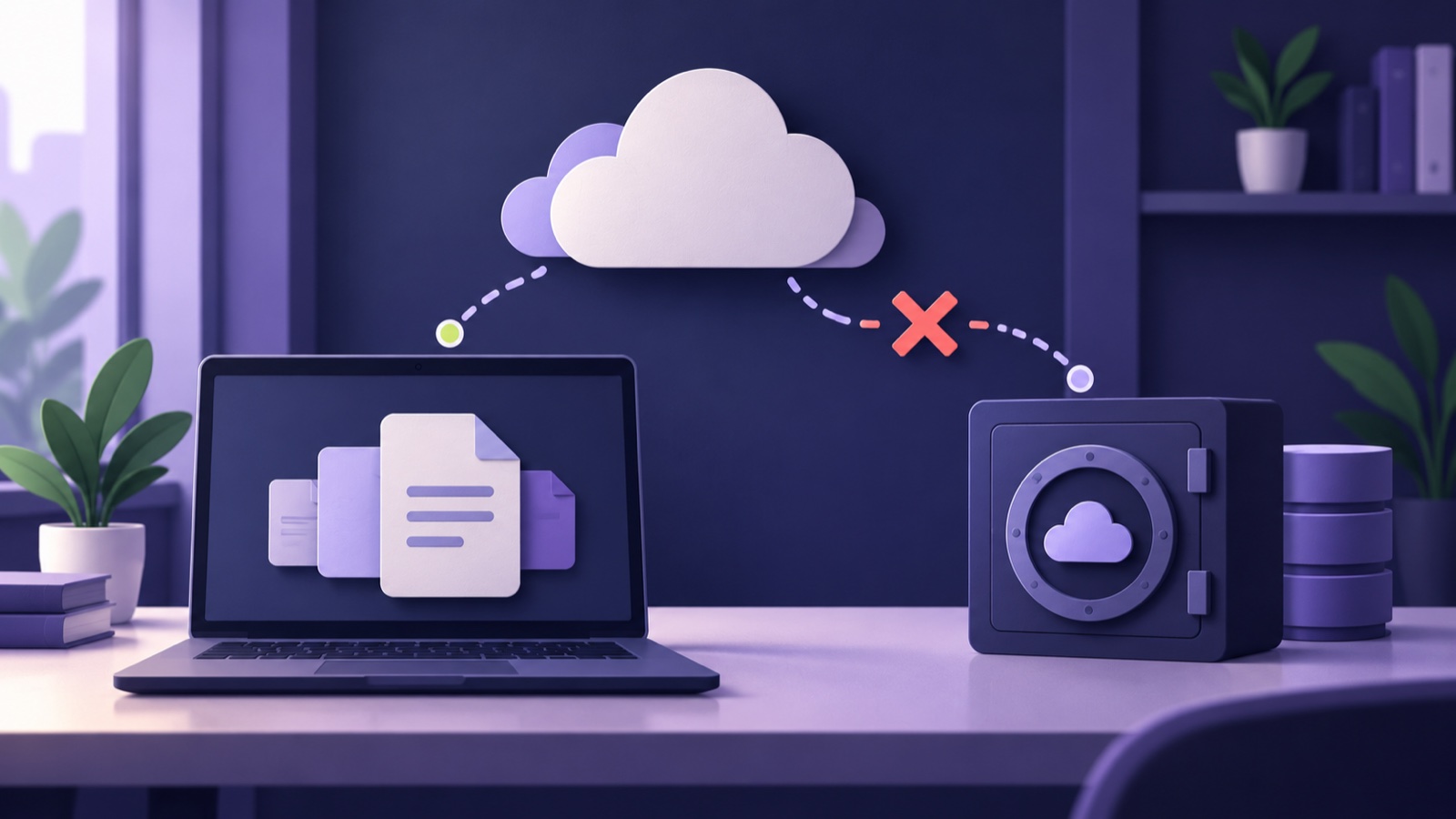
ConnectWise suspended its Cloud Backup service after finding unauthorised access to the automated accounts that connect it to customers’ Microsoft 365 tenants. As of 19 October, scheduled backups, archive access and restores remained unavailable, with no confirmed return date 1Reference 1: Cloud Backup (formerly known as SkyKick) Service Interruption, 2Reference 2: ConnectWise Product and Services Status. If your provider used the service, ask for your last successful backup and an independent way to restore essential data.
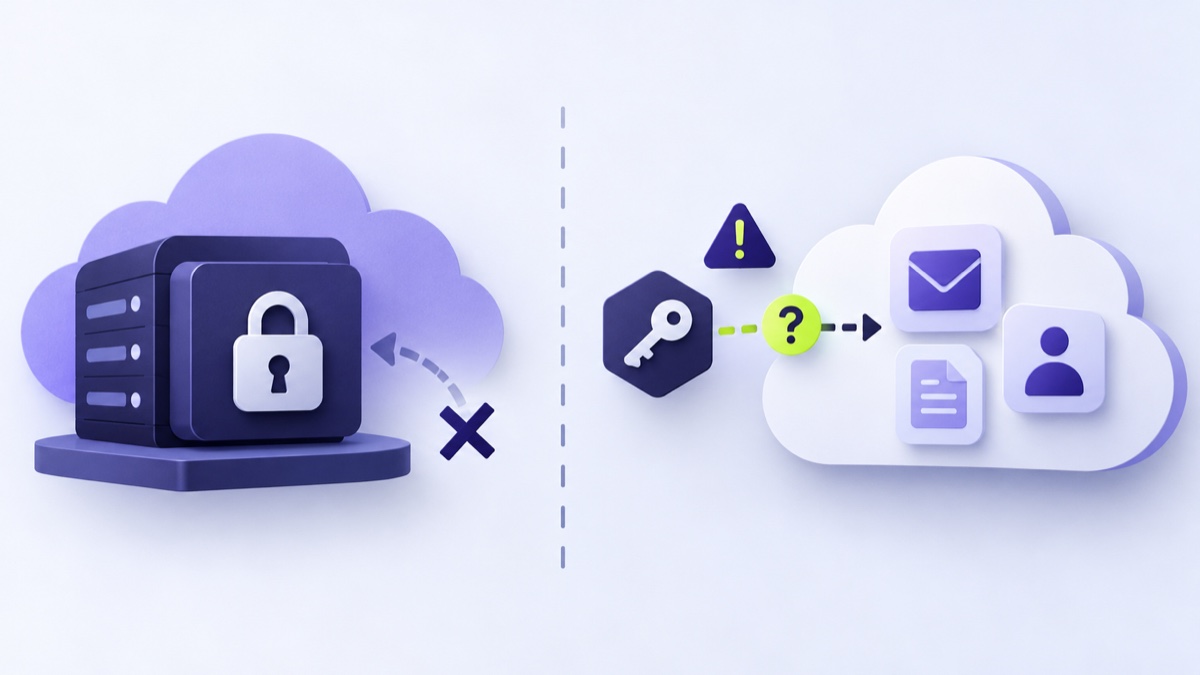
There are two separate questions to resolve:
- Recovery: What is the latest verified restore point, and what other recovery route can the provider use?
- Tenant access: Did the provider review sign-ins, audit records and application changes in the live Microsoft 365 tenant? What remains uncertain?
An archive you cannot retrieve is like a spare set of business records locked in a cabinet. The copy may be intact, but it cannot help until there is a working way to reach it. ConnectWise says its stored archives remain encrypted and isolated, with no indication that they were accessed [1]. That statement concerns the archive; it does not establish what happened inside a live customer tenant.
Huntress reported sign-in activity linked to the incident across nearly 1,000 Microsoft Entra tenants, with more than 300 sign-ins succeeding [3]. Those are Huntress observations, not a confirmed count of affected businesses or proof that data was read in every tenant.
A suspended archive and a live tenant are different risks
Cloud Backup copied customer data into a separate archive. To do that, its automated account connected to a customer’s Microsoft 365 tenant. Huntress says the application could reach email, OneDrive, SharePoint, Teams and directory data where it was installed 3Reference 3: ConnectWise (SkyKick) Vendor Credentials Abused in M365 Attacks.
ConnectWise says it disabled seven application identities and revoked the affected connection certificates on 17 October 1Reference 1: Cloud Backup (formerly known as SkyKick) Service Interruption. That blocks new authentication through those connections; it does not reverse changes already made inside a tenant. Huntress described one partner tenant where a separate ConnectWise application gave itself a Global Administrator role and added credentials to other applications [3]. That is evidence from one partner environment, not proof that the same changes happened in every tenant.
ConnectWise’s guidance asks providers to review each customer tenant, including application sign-ins, audit records, permissions, role assignments, credentials and mailbox changes [1]. A useful report should say what the provider checked and where evidence is still missing.
What to ask your IT provider
Ask for a written answer for each tenant, with an owner and a date for the next update on any open question.
- Which of our Microsoft 365 tenants use ConnectWise Cloud Backup or another affected ConnectWise or SkyKick application? Are affected applications still disabled?
- When did our last successful backup complete, and what is the latest restore point we can use?
- What independent copy or recovery route is available while ConnectWise remains offline? When was that route last tested?
- What did you review in each live tenant? Ask about application sign-ins, audit records, permissions, role assignments, credentials and mailbox changes, and ask what remains uncertain 1Reference 1: Cloud Backup (formerly known as SkyKick) Service Interruption.
Our report on a flaw in remote IT support software that let attackers reach internal computers covers a different incident involving provider access. For broader preparation, see our small-business cyber security guide. The immediate ask is simple: get the last verified restore point, the alternative recovery route and the tenant-review result in writing.